Meet the Studio Editor: build a visual once, reuse it forever

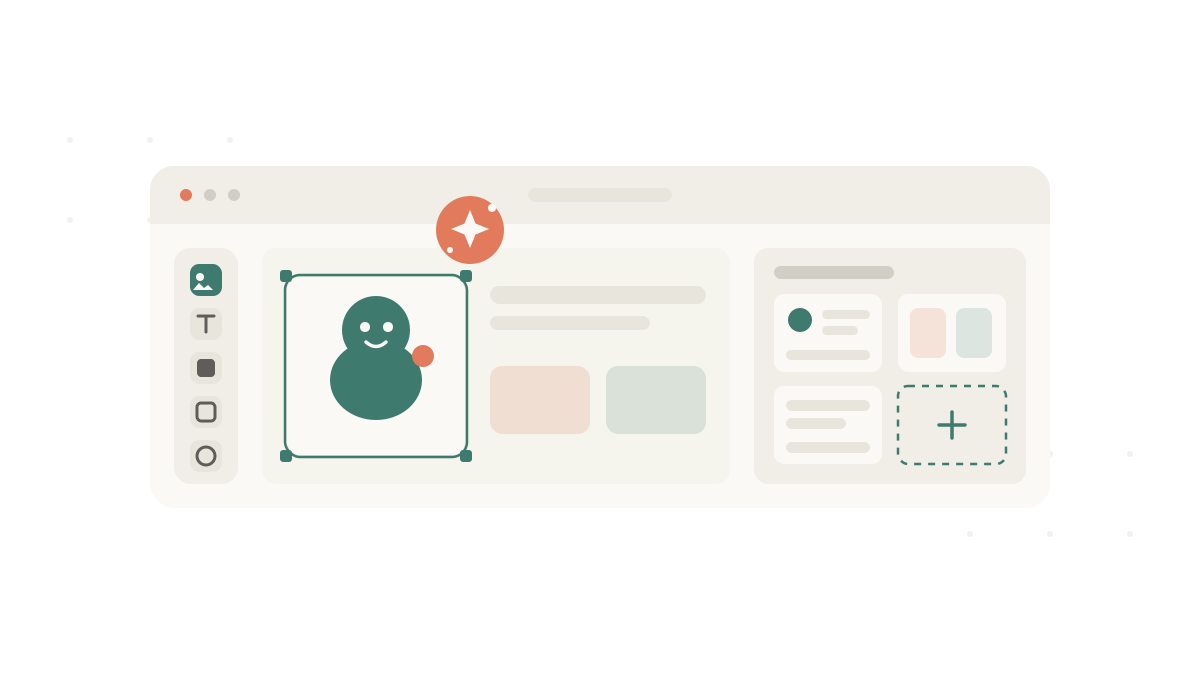
Build a visual once. Reuse it forever.
Anyone who prepares materials for a session knows the quiet math of it. A choice board here. A first-then card there. A schedule strip for the morning routine. Each one small on its own, each one taking a slice of an evening that was already full.
We built the Studio Editor to give that time back. It is a flexible canvas for designing the visuals your sessions actually need, with AI close at hand and a template library that grows every time you create something good.
See it in action
In this short demo, we create a visual from scratch, pick a template to start from, and ask the Wheva AI agent to generate the artwork featuring Ash, one of our characters. Watch how quickly a blank canvas becomes a finished, ready-to-use visual.
A canvas built for real materials
The editor opens onto a clean, flexible canvas. You arrange things the way they make sense for one specific person, on one specific day, rather than fighting a rigid layout.
You work with a small set of building blocks, the objects that make up almost every visual:
- Images and characters generated by AI or chosen from your library, the centre of most visuals.
- Text for labels, captions, and instructions, with sizing that stays readable.
- Shapes and containers to frame choices, group steps, or separate sections.
- Backgrounds and colour drawn from a calm, accessible palette so the focus stays on the content.
Everything snaps, aligns, and resizes cleanly, so a polished result does not require a design background. The goal is simple: you think about the child and the routine, not about the tool.
Start from a template, not a blank page
A blank canvas is the slowest place to start. The Studio Editor ships with ready-made templates for the formats care teams reach for most:
- Choice boards
- First-then cards
- Visual schedules and routine strips
- Social story panels
- Single cue and label cards
Pick a template, swap in the right images and words, and you have a finished visual in minutes. The structure is already there, so you spend your energy on the content that matters for this client.
Generate artwork with the Wheva AI agent
Most visuals live or die on their imagery, and that is usually the slowest part to make by hand. Inside the editor you can describe what you need in plain language and ask the Wheva AI agent to generate it, featuring one of our characters.
Need a character brushing their teeth for a morning routine? Holding a backpack for the school schedule? Waving hello on a greeting card? Describe it, and the agent creates the image right on the canvas. Because you can keep the same familiar character each time, the visuals you build stay consistent across stories, schedules, and cue cards, which is exactly what makes them work for the people who use them.
You do not need to learn prompt engineering. You describe the moment in the words you would use anyway, and you keep the result that fits.
Save your work as a template
Here is the part that compounds over time. When you finish a visual you are happy with, you can save it as a template.
The next time you, or anyone on your team, needs something similar, that template is waiting. No rebuilding from scratch. No hunting through old files for the version with the right character. The work you did once becomes a starting point you reach for again and again.
This is the difference between a tool that saves you a few minutes today and one that saves your team hours every week.
Templates are shared across your organization
Templates you save are shared with your organization, so the value of one person’s work spreads to everyone.
When a behavioural consultant builds a clean first-then card, an interventionist on another case can start from it the same afternoon. When someone designs a morning routine strip that genuinely works, it becomes the team’s morning routine strip. Your best materials stop living on one person’s laptop and become a shared library the whole care team can build on.
The result is consistency for the people you support and far less duplicated effort for the people doing the supporting.
Built the way you already work
The Studio Editor follows the same rule that guides everything we build: if it creates friction for clinicians, we rethink it. It fits into the way sessions already run, rather than asking you to change how you work to suit the software.
Your materials, and the client information connected to them, stay protected with role-based access and encrypted storage. We do not sell client data, and we do not use client records to train any external AI model. Your work belongs to you and your organization. Always.
Try it Today
The Studio Editor is available now. Open Studio, start from a template or a blank canvas, ask the Wheva AI agent for the artwork you need, and save your first visual as a template for next time.
We would love to hear what you build, and what you wish it did next. Reach us any time at hello@wheva.com.
Wheva is free to start.